Building botch.sh — from zero to deployed
I wanted a simple, clean personal website. A landing page, an about page, a photo gallery, and maybe a blog. Nothing fancy, but properly set up — with Docker, CI/CD, and automatic deployments. Here’s how botch.sh came to life.
The tech stack
Before writing any code, I settled on a stack:
- Astro as a static site generator — fast, simple, no unnecessary JavaScript
- Tailwind CSS for styling
- Nginx Alpine to serve the static build
- Docker with a multi-stage build (Node for building, Nginx for serving)
- GitLab CI/CD for automatic builds and deployments
- Traefik as reverse proxy with Let’s Encrypt SSL (already running on the VPS)
The idea: push to main, GitLab builds the Docker image, pushes it to the registry, SSHs into the VPS, pulls the image, done. No manual steps after the initial setup.
Setting up the project
I started with a fresh Astro project and added Tailwind:
npm create astro@latestThe project uses a custom retro font (VCR OSD Neue) and a dark theme with white accents. The whole site feels like a terminal — which fits the vibe.
Project structure
src/
├── layouts/
│   └── Layout.astro           # Base layout with head, nav, footer
├── pages/
│   ├── index.astro             # Landing page
│   ├── about.astro             # About me
│   ├── gallery.astro           # Photo gallery with lightbox
│   └── blog/                   # Blog pages
├── components/
│   ├── Hero.astro              # Terminal-style hero section
│   ├── Navbar.astro            # Navigation
│   ├── Footer.astro            # Footer with binary background
│   └── Section.astro           # Reusable section wrapper
└── styles/
    └── global.css              # Font + custom styles
The hero section
The landing page has a terminal-style hero with a fake shell session:
$ whoami
botch.sh

$ uptime
up 42 years, 32 days

$ cat /etc/passion
Tech, selfhosting, 3D printing
FPV, MTB, Guitar

$ _
The uptime line is actually dynamic — it calculates the real time since a birthday using client-side JavaScript and updates every minute. If JS is disabled, it falls back to “up ??? days”.
const birthday = new Date("YYYY-MM-DD");
function updateUptime() {
  const now = new Date();
  const diff = now - birthday;
  const days = Math.floor(diff / 86400000);
  const years = Math.floor(days / 365.25);
  const remainDays = Math.floor(days - years * 365.25);
  document.getElementById("uptime").textContent =
    "up " + years + " years, " + remainDays + " days";
}
updateUptime();
setInterval(updateUptime, 60000);
The photo gallery
The gallery page uses Astro’s import.meta.glob to automatically pick up all images from src/assets/gallery/. No config needed — just drop images in the folder and they show up in a responsive CSS grid.
Clicking an image opens a custom lightbox overlay. No external library, just plain HTML/CSS/JS. Close it with the X button, clicking outside, or pressing Escape.
The tagline
After going back and forth on options, I landed on:
sudo make everything
Short, nerdy, fits the terminal theme.
Docker setup
The Dockerfile is a simple multi-stage build:
FROM node:22-alpine AS build
WORKDIR /app
COPY package*.json ./
RUN npm ci
COPY . .
RUN npm run build

FROM nginx:alpine
COPY --from=build /app/dist /usr/share/nginx/html
COPY nginx.conf /etc/nginx/conf.d/default.conf
EXPOSE 80
The Nginx config handles clean URLs, gzip compression, and caching headers for static assets:
server {
    listen 80;
    server_name _;
    root /usr/share/nginx/html;
    index index.html;

    gzip on;
    gzip_types text/plain text/css application/json application/javascript text/xml image/svg+xml;
    gzip_min_length 256;

    location ~* \.(css|js|jpg|jpeg|png|webp|avif|gif|ico|svg|woff2?)$ {
        expires 30d;
        add_header Cache-Control "public, immutable";
    }

    location / {
        try_files $uri $uri/ $uri.html =404;
    }

    error_page 404 /404.html;
}
docker-compose.yml for the VPS
The compose file references the GitLab Container Registry and uses Traefik labels for automatic routing and SSL:
services:
  website:
    image: registry.gitlab.com/botch.sh/botch.sh-website:latest
    restart: unless-stopped
    labels:
      - "traefik.enable=true"
      - "traefik.http.routers.botchsh.rule=Host(`botch.sh`)"
      - "traefik.http.routers.botchsh.entrypoints=websecure"
      - "traefik.http.routers.botchsh.tls=true"
      - "traefik.http.routers.botchsh.tls.certresolver=mytlschallenge"
      - "traefik.http.routers.botchsh-http.rule=Host(`botch.sh`)"
      - "traefik.http.routers.botchsh-http.entrypoints=web"
      - "traefik.http.routers.botchsh-http.middlewares=redirect-to-https"
      - "traefik.http.middlewares.redirect-to-https.redirectscheme.scheme=https"
    networks:
      - traefik-proxy

networks:
  traefik-proxy:
    external: true
GitLab CI/CD
The pipeline has two stages — build and deploy:
stages:
  - build
  - deploy

build:
  stage: build
  image: docker:latest
  services:
    - docker:dind
  script:
    - docker login -u $CI_REGISTRY_USER -p $CI_REGISTRY_PASSWORD $CI_REGISTRY
    - docker build -t $CI_REGISTRY_IMAGE:latest .
    - docker push $CI_REGISTRY_IMAGE:latest
  only:
    - main

deploy:
  stage: deploy
  image: alpine:latest
  before_script:
    - apk add --no-cache openssh-client
    - eval $(ssh-agent -s)
    - echo "$SSH_PRIVATE_KEY" | tr -d '\r' | ssh-add -
    - mkdir -p ~/.ssh
    - chmod 700 ~/.ssh
  script:
    - ssh -o StrictHostKeyChecking=no $VPS_USER@$VPS_HOST "
        docker login -u $CI_REGISTRY_USER -p $CI_REGISTRY_PASSWORD $CI_REGISTRY &&
        docker pull $CI_REGISTRY_IMAGE:latest &&
        cd /opt/botchsh &&
        docker compose up -d --force-recreate"
  only:
    - main
Three CI/CD variables need to be set in GitLab under Settings > CI/CD > Variables:
SSH_PRIVATE_KEY— the private key for SSH access to the VPSVPS_USER— SSH username on the VPSVPS_HOST— IP or hostname of the VPS
Deploying — the fun part
Preparing the VPS
On the VPS, I created the directory and placed the docker-compose.yml:
mkdir -p /opt/botchsh
nano /opt/botchsh/docker-compose.yml
The Traefik network already existed from my n8n setup, so no extra network creation needed.
SSH key for the pipeline
I generated a dedicated deploy key and copied the public key to the VPS:
ssh-keygen -t ed25519 -C "gitlab-deploy" -f ~/.ssh/gitlab_deploy
ssh-copy-id -f -i ~/.ssh/gitlab_deploy.pub user@vps-ip
The private key goes into the GitLab CI/CD variable SSH_PRIVATE_KEY. Quick note: GitLab won’t let you mask the variable because SSH keys contain spaces/newlines. Set Masked to No but keep Protected on Yes.
DNS
Added an A record pointing botch.sh to the VPS IP at the domain registrar.
First push
git push origin mainThe pipeline ran, built the image, pushed it to the registry, SSHed into the VPS, and… failed.
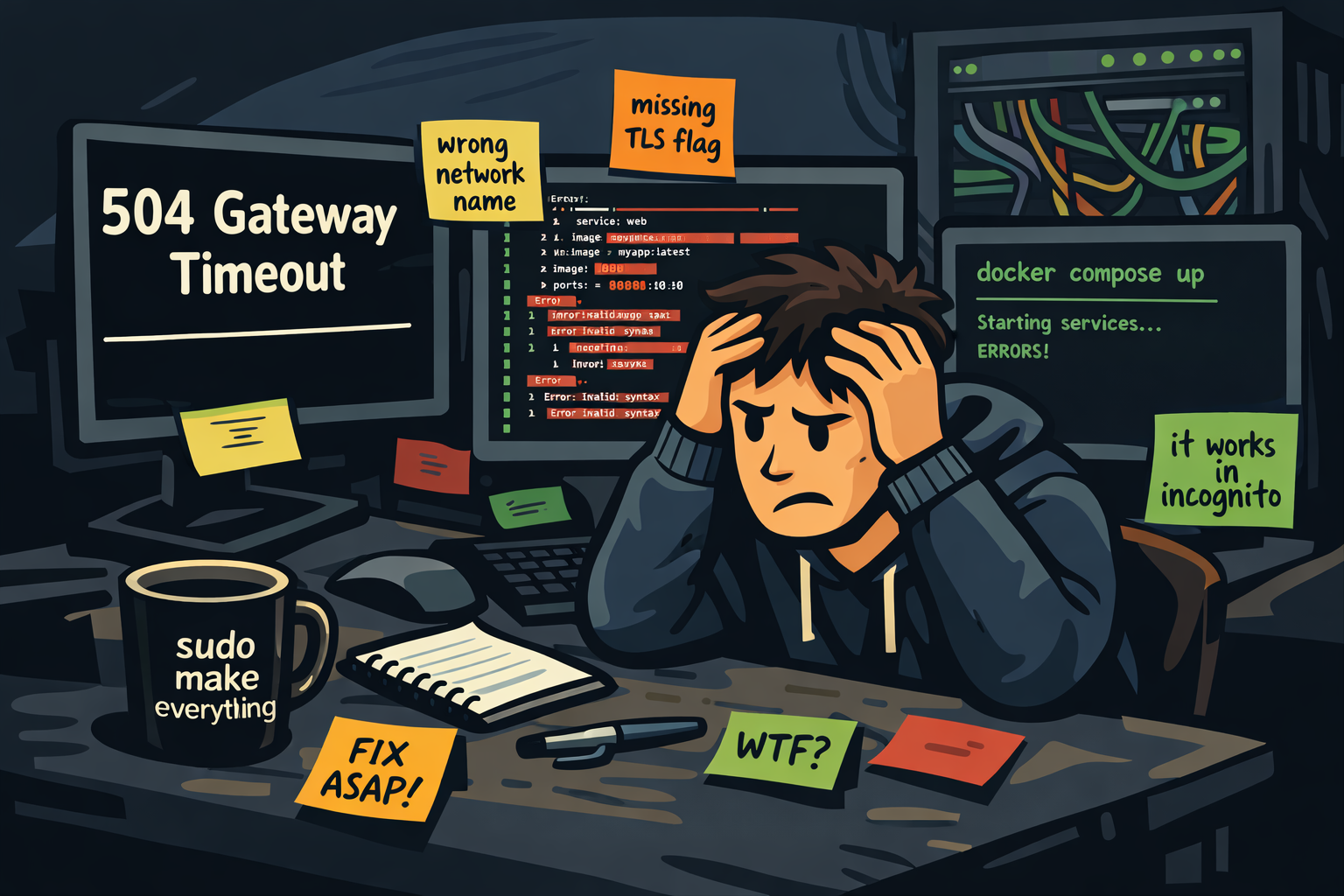
Things that went wrong
Because of course they did.
YAML parsing error
What else?
Wrong Docker network
The website container ended up in a network called traefik instead of traefik-proxy (which is what my Traefik instance actually uses). The containers couldn’t talk to each other — classic 504 Gateway Timeout.
Fix: make sure the network name in docker-compose.yml matches exactly. Then docker compose down && docker compose up -d to force recreation.
Missing TLS flag
Traefik wasn’t issuing an SSL certificate. Comparing my config with the working n8n setup, I noticed I was missing traefik.http.routers.botchsh.tls=true. The certresolver alone isn’t enough — you need to explicitly enable TLS on the router.
Certificate resolver name
My Traefik uses mytlschallenge as the cert resolver name, not letsencrypt (which is what most tutorials use). One grep through the Traefik config revealed the mismatch.
The result
Push to main. Pipeline builds. Image gets pushed. VPS pulls. Container restarts. Traefik routes. SSL works.
The whole deployment takes about two minutes from push to live.
Things may break. Things may change. Things may be slightly overengineered.
But that’s kind of the point.